For anyone involved in running powerlifting or weightlifting competitions I've developed 'Ref Lights' - a simple system for displaying the traditional three-ref lights signalling 'good-lift' or 'no-lift' on a video screen attached to a PC.
The program to present the lights is in an HTML file, which you run in a Chrome or Microsoft Edge browser on a desktop PC or laptop. Each referee signals their decision on a lift by pressing a button on a box or on a keypad displayed on their smartphone. The signals are then sent to a controller box which is plugged into a USB port on the PC/laptop.
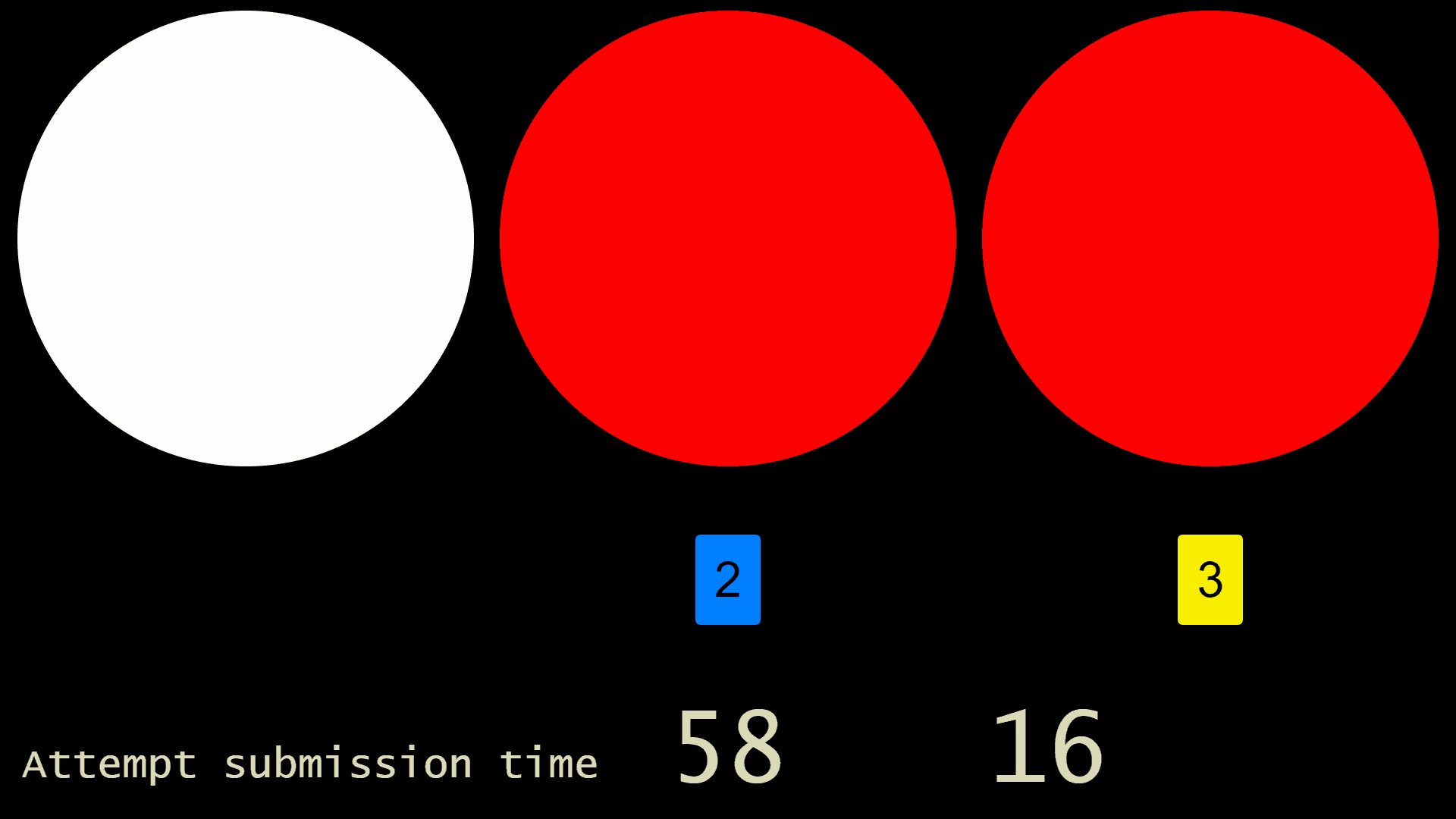
When used at competitions that follow the IPF rules, the red, blue or yellow infraction cards can be displayed below the red 'no lift' lights. A timer can also be displayed on the screen, allowing countdown times between 1 and 5 minutes for lifts and between 10 and 60 minutes for breaks between sessions, lunch breaks, etc.
There is a Wi‑Fi version and a cabled version of Ref Lights. Both use an HTML file and Chrome, Firefox or Microsoft Edge browsers are supported.
Wi‑Fi Version
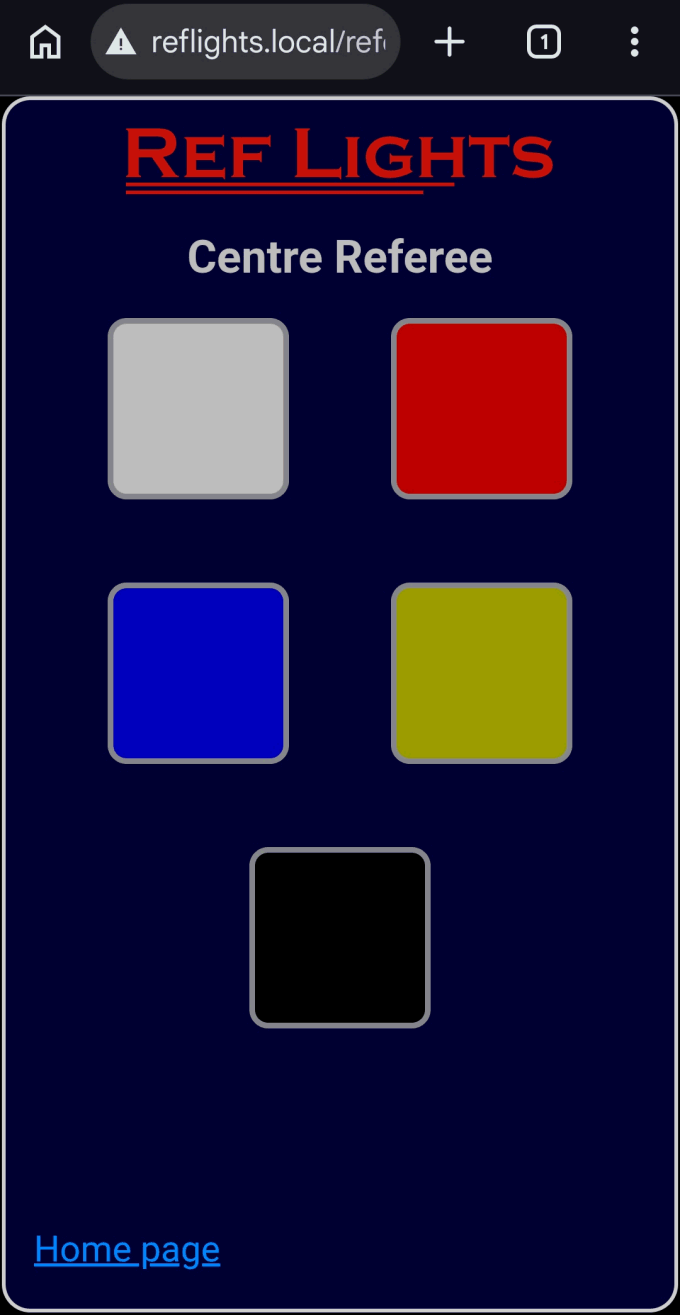
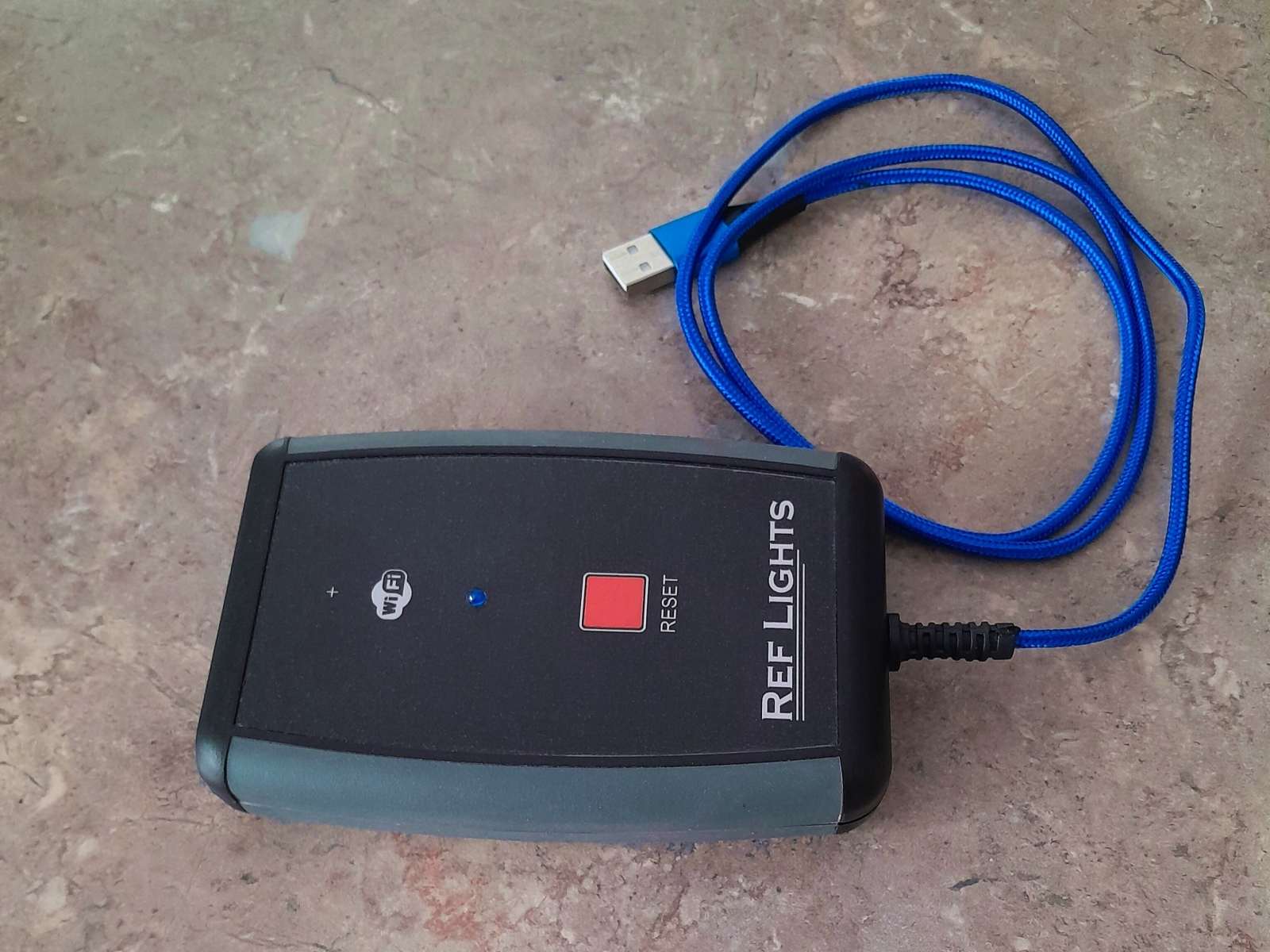
The Wi‑Fi version consists of a single controller box. Referees enter their decisions on a keypad displayed in a browser on their smartphones (see inset in picture above). The controller box acts as a Wi‑Fi access point and referees connect their phones to the Ref Lights Wi‑Fi.
Cabled Version
The cabled version consists of three ref boxes connected by physical cables to a USB controller box.
How to get Ref LightsI'm no longer making the cabled version but I can provide guidelines for building your own. For more information, to order a Wi‑Fi controller, or request DIY instructions for building the cabled version, click on my name at the foot of this page to send me an email. Does Ref Lights run on-line or off-line?Off-line is recommended but, if you don't want to download any files, you can run Ref Lights on-line from this link: ref-lights.html When you run it on-line, bear in mind that the computer running Ref Lights must have Internet access at the competition venue, and you won't be able to access the link if the web site is down. You'll only be able to use the sample banner and custom lights files that are on-line, and you can't store your favourite configuration in a file. However, if you have cookies allowed in your browser, it will try to remember the last configuration you used on the same computer. If you download the files and run Ref Lights off-line, you won't have to rely on an Internet connection to use them. You'll also be able to save your favourite options in a file and use your own banner and custom files. DemonstrationsRef Lights can run in Simulation Mode. This allows you to check out how Ref Lights functions without having to purchase anything. See how to start simulation mode here. FAQ |
Stuff you can download
* The wireless version is no longer available. HTML file & Wi-Fi Controller firmware revisionsSummary of HTML file revisions. Please keep your HTML file up to date! |